Hopla — Ninja Academy › Brain break games for the classroom
Brain break games for the classroom
Point the webcam at the front of the room, put the game on the projector, and the next two minutes take care of themselves.
Updated
Play now — free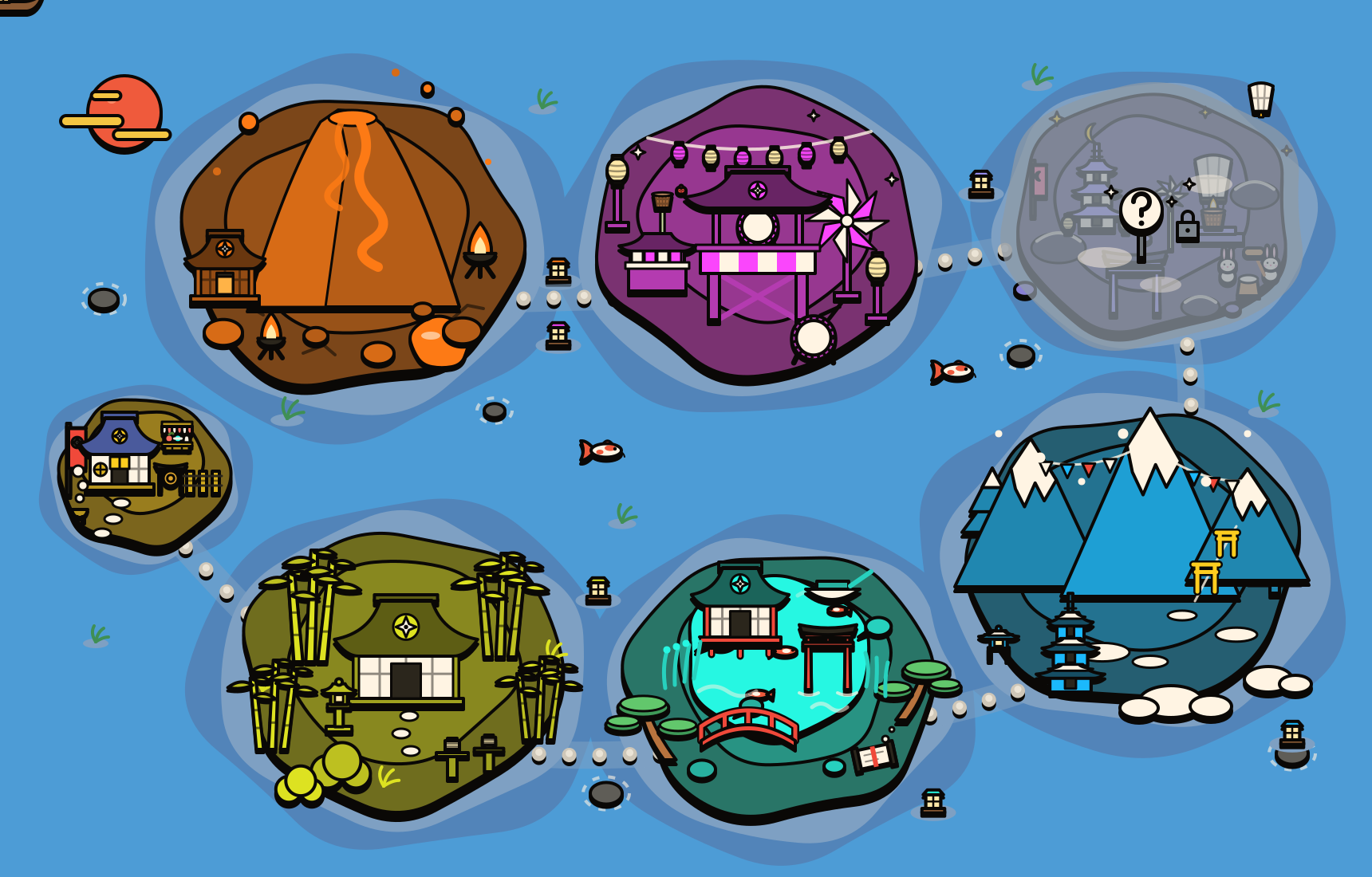
A brain break works when everyone actually moves, and the sticking point is always the same: a video only asks them to move, a game makes them. These are movement games controlled by the body — the webcam sees whoever is standing in front of it and the game responds to what they do. A kid who stops marching sees the climb stop. Nobody needs a controller and nobody needs an account, so there is nothing to log into and nothing to set up between lessons.
The setup for a classroom: laptop on the teacher's desk, webcam facing the front of the room, screen on the projector. One or two kids come up to play a one-minute round while the rest do the moves along with them — rotate through the class over the week. The freeze and Simon-says games work with the whole room copying, and the marching and stretching ones are the calm-down end of the break.
On privacy, which comes up first in every staff room: the camera image is processed inside the browser on that laptop and is never uploaded or stored. There is no server that receives it, no recording, and nothing kept when the tab is closed. It is the same promise the site makes to parents, written into how it is built rather than into a policy.
Every game is free, all 35 of them, with four ranks from Rookie to Master. Rookie is built for a four-year-old; Master will tire an eighth-grader. Points are never deducted and two players share one score — each on their own rank — so a break never turns into a contest.
Good ones to start with
Freeze Dance
Dance while the music plays, freeze when it stops!
Sensei Says
March in the lantern parade and do only what Sensei says. The Fox said it? Freeze!
Bamboo Climb
Lift your knees high and climb the giant bamboo all the way to the top!
Pearl Dive
Reach far out to the clam and hold — slow and calm — and your ninja dives deeper.
Crane Stance
Stand on one leg like a crane, hold still — then hop to the next stone!
Mirror Kata
Follow the leader and move just like them — together!
Jump & Duck
Jump over the bamboo bundles, duck under the swinging poles!
On the Beat
Play the taiko drums right on the beat of the music!
Safe for kids, by design
- 🔒Everything happens right here, in your browser
- 🚫Your video is never recorded, saved or sent anywhere
- ⚡No download, no sign-up needed to play
What you need
A laptop, a tablet, or a computer plugged into the TV, a webcam, and about 2-3 metres of clear space. Works in Chrome, Edge and Safari. Nothing to install.